School Concert Ticketing: A Practical Guide for South African Schools
A practical guide to selling tickets for school concerts, plays, revues, choir evenings and prize-giving events without manual seat lists and cash queues.
School Concert Ticketing: A Practical Guide for South African Schools
School concerts are some of the busiest events on a school calendar. Parents want good seats. Learners need to know who is coming. Staff need to manage payments. Gate teams need to get everyone inside quickly.
That is why school concert ticketing needs more structure than a casual ticket list.
Whether the event is a music concert, school play, revue, choir evening, pageant or prize-giving, the same basic flow applies: create the event, decide how seating works, sell tickets online, and scan tickets at the door.
Start with the event structure
Before tickets go on sale, decide how the concert will run:
- Is there one performance or multiple performances?
- Are tickets sold per performance?
- Will parents choose seats?
- Are some seats reserved for VIPs, staff or invited guests?
- Is there a maximum number of tickets per family?
- Will tickets be sold at the door or only online?
These decisions shape the ticket setup.
Use sessions for multiple performances
Many school concerts have more than one showing. For example:
- Thursday evening
- Friday evening
- Saturday matinee
- Saturday evening
Each performance should be treated as a separate session. This helps parents book the correct date and helps the school track sales per performance.
If everything is placed under one ticket pool, it becomes easy for parents to book the wrong show or for staff to lose track of which night is full.
Decide whether to use allocated seating
Allocated seating is helpful when the venue has a fixed layout, such as:
- School hall
- Auditorium
- Theatre
- Grandstand
- Reserved parent section
For a school concert, parents often care about where they sit. If the venue is seated and rows matter, a school hall seating plan makes the booking experience much cleaner.
Allocated seating lets parents choose available seats online. It also helps the school avoid double booking, manual seat lists and last-minute seating arguments.
Keep the event page clear
The public event page should answer the questions parents ask first:
- What is the concert?
- Which school is hosting it?
- What date and time is the performance?
- Where is the venue?
- How much are tickets?
- Can parents choose seats?
- How will tickets be received?
- What happens at the door?
The less parents need to ask on WhatsApp, the easier the event team can work.
Share the ticket link early
Once the event is published, share one clean ticket link everywhere:
- School newsletter
- Grade WhatsApp groups
- Posters
- Facebook page
- School website
- Email to parents
If the poster includes a QR code, parents can scan it and go straight to the booking page.
Track sales by performance
Concert ticketing works best when staff can see sales before event night. The school should monitor:
- Tickets sold per session
- Remaining seats
- Manual payments awaiting approval
- High-demand performances
- Blocked or reserved seats
- Total sales value
This helps the school decide whether to add another performance, adjust communication, or prepare more gate staff.
Prepare gate scanning before the concert
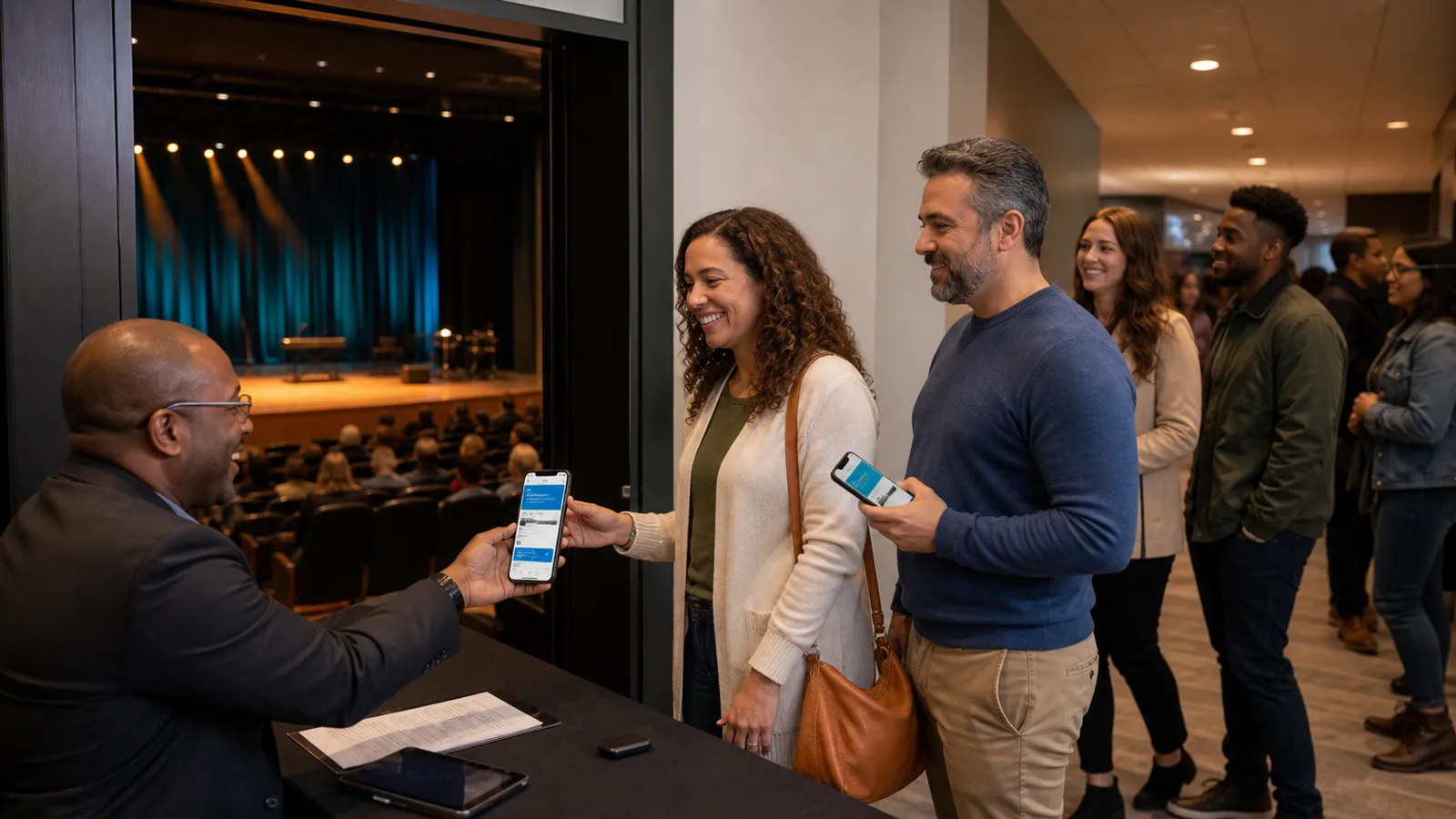
On concert night, the ticketing system matters most at the gate. Parents may arrive with phones, printed tickets, screenshots or emails.
QR ticket scanning helps staff:
- Confirm the ticket is valid.
- Check whether it was already used.
- Move people through the door faster.
- Reduce reliance on printed lists.
Gate staff should test the check-in flow before doors open.
Common mistakes to avoid
Avoid these issues when planning school concert ticketing:
- Publishing before dates and times are final.
- Combining multiple performances into one unclear ticket option.
- Selling reserved seats without a seating layout.
- Forgetting to block VIP or staff seats.
- Sharing different links in different places.
- Waiting until event night to test ticket scanning.
Most ticketing problems are planning problems. A simple setup checklist prevents many of them.
Example setup checklist
Before publishing a school concert:
- Event image or poster uploaded
- All performance sessions added
- Ticket price confirmed
- Venue layout checked
- Reserved seats blocked
- Payment methods enabled
- Event preview reviewed
- Public link copied
- Gate check-in link prepared
Final thought
School concert ticketing should make the event feel more organised, not more technical. Parents need a simple booking experience. Staff need clear reporting. Gate teams need fast entry.
SchoolTix gives South African schools a practical way to sell school concert tickets online, manage allocated seating and scan QR tickets at the door.